Skip to content

Lighting Suite

CG Foundry Lighting Suite for Unreal Engine: We make the tools. You own the Suite.

World Lighting gives you ready presets based on PBL to light your level, all in one actor. Paint shadows and light with brushes, paint flowmap speed and direction in your skyboxes, and debug exposure, Lumen and materials, right inside Unreal Engine. 11 features, 80+ presets ready to use. Try free for 7 days.

Lighting tools inside Unreal Engine

Shadow Painter

Paint light and shadow exactly where you need it.

Paint light and shadow directly onto your Spot and Directional Lights in the viewport, with no extra lights or meshes to place. Use brushes, cloud shadow textures or your own textures, and the paint stays with the light.

World Lighting

Light a whole level with one actor.

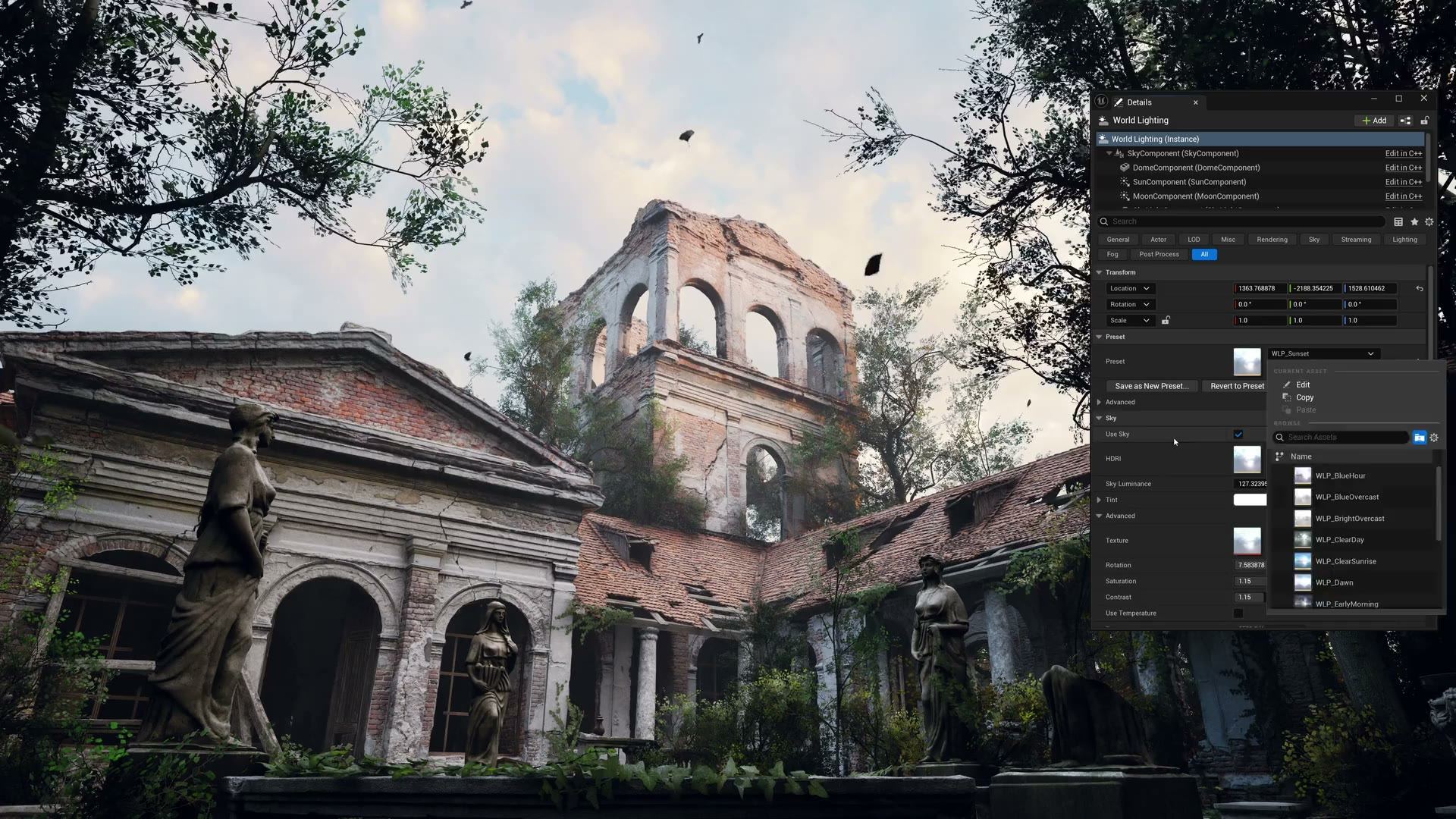
Light a level from one actor that sets the sun, HDRI sky, Sky Light, fog and exposure, starting from physically based light levels. Pick from 15 presets, from dawn to a full moon night, with color grading included. Exposure Compensation Curves balance between exteriors and interiors with a more dynamic exposure range.

Ambience Zones

Give each area its own global lighting mood.

Give each area of your environment its own global lighting mood with smooth blending. Start from 15 ready profiles or create your own Ambience Zone profiles.

Flowmap Painter

Paint Flowmaps for your skyboxes.

Paint the movement, direction and speed of your skybox with a flowmap, right where you need it. Start from 7 ready presets on any HDRI sky, edit them or paint your own.

Orbital lens flare at intensity 1.0
Preset
1.0

Lens Flare

Cinematic Film-look lens flares.

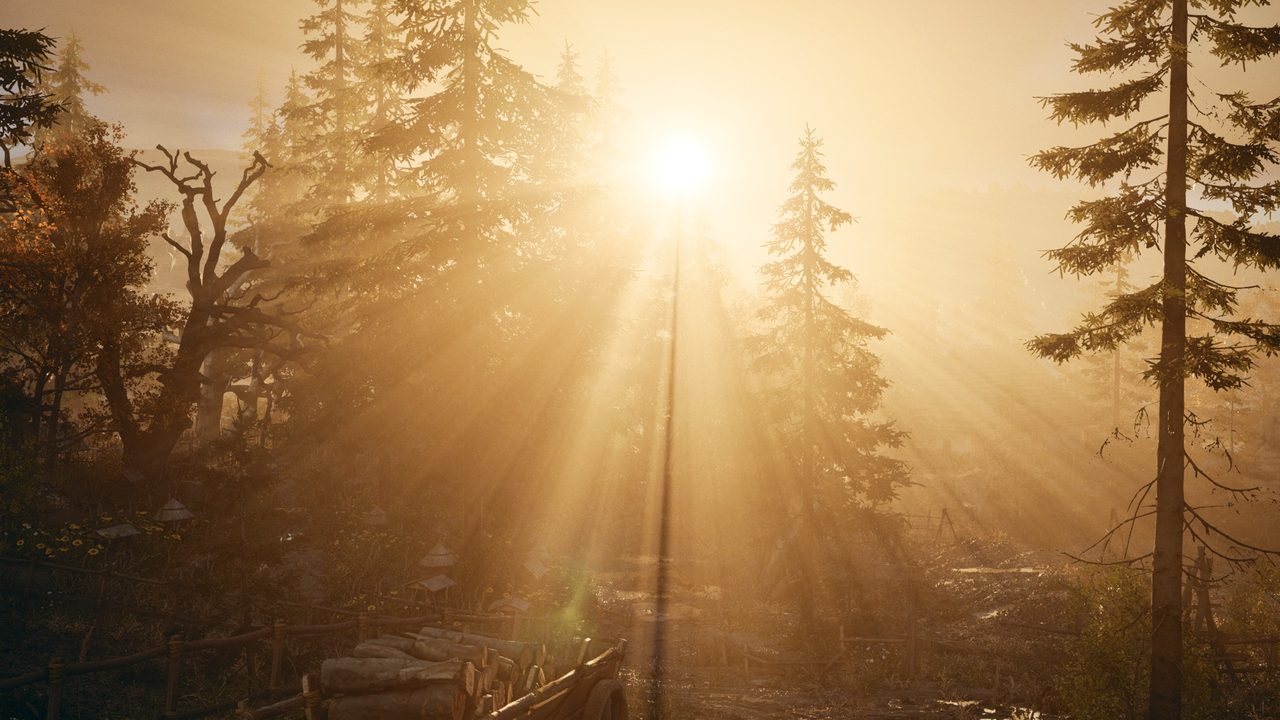
Cinematic, film-look lens flares with control over every layer: ghosts, glow, glare, halo, starburst and streaks. Bloom and exposure treat them like real light. Start from 3 presets ready to use, edit them or create your own from scratch.

Gobos

More realistic lighting with animated gobos.

Add windows, blinds, foliage and clouds to any Unreal light from 30+ ready presets, then control scale, softness and motion to break up the flat look.

Caustics

Add caustics and water reflections with ready presets.

Start from 6 ready presets, from Swimming Pool to Murky Lake, and control the size, speed and direction of the ripples, with no material to build.

Softbox

Add soft indirect light without adding a light.

Add indirect light that fills in shadows with Lumen emissive objects. Hide it from the camera, exclude it from reflections, and add nothing to Light Complexity. Start from 4 presets and control its shape, size and softness.

Lumen Manager

Push Lumen to cinematic quality with complete control.

Reduce noise and ghosting, and control 200+ advanced Lumen settings from one panel. Start from 4 presets ready to use or create your own.

Exposure Debugger and PBR Validation

Debug your PBR materials and validate exposure.

See brightness in nits with false color, a histogram and a waveform for each viewport, and find Base Color, Metallic and Specular values outside real-world ranges.

Made with the Lighting Suite

What artists are lighting with it

Real projects by artists who use the Lighting Suite in Unreal Engine.

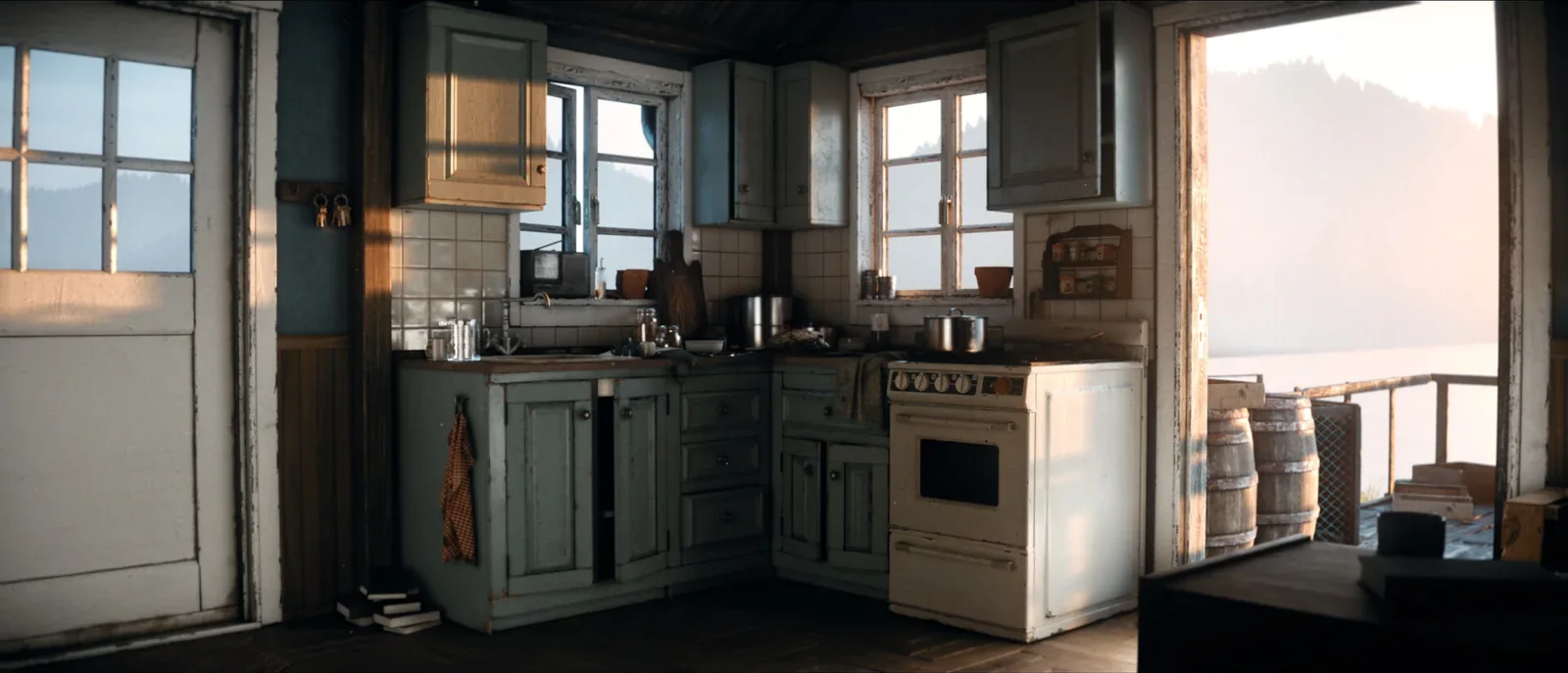
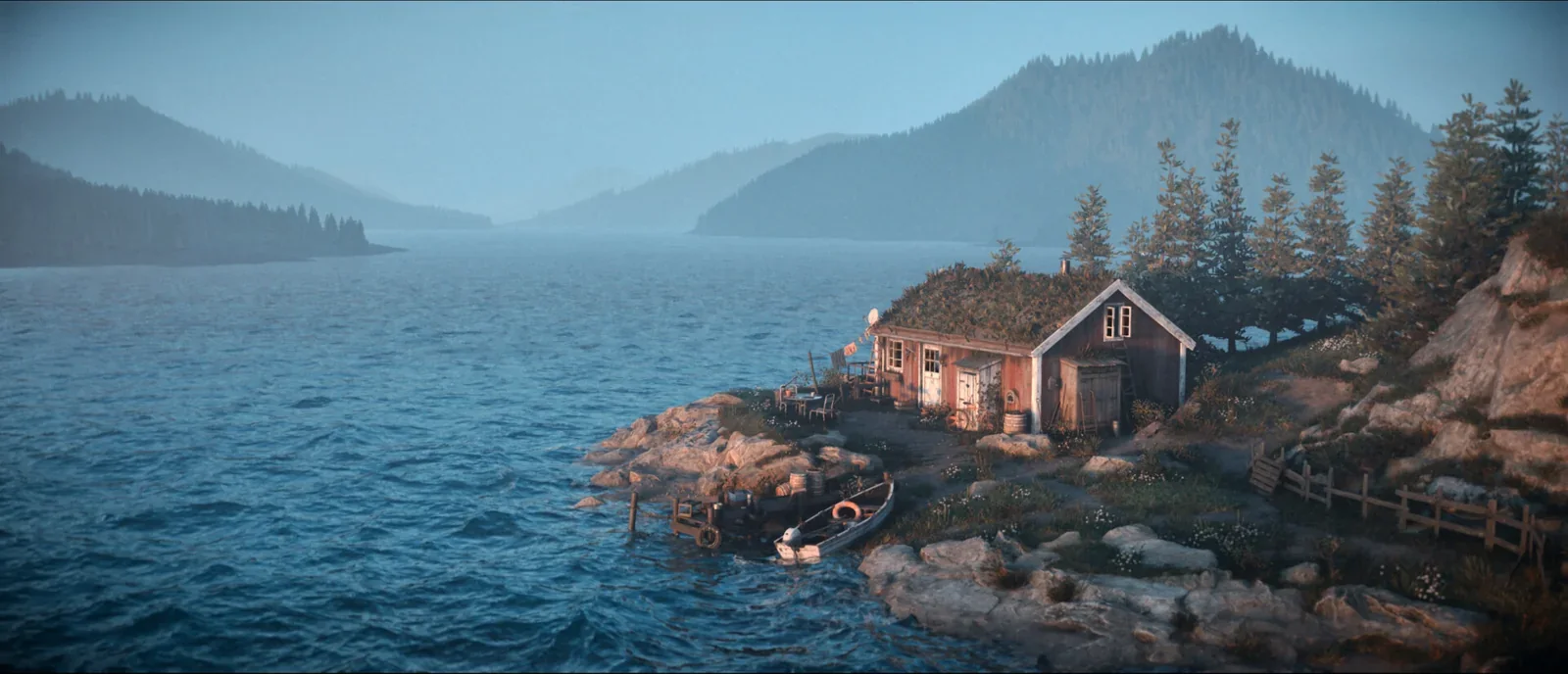
Fisher's Man Cabin by Laith Hamid, lit with the Lighting Suite in Unreal Engine

Fisher's Man Cabin

Laith Hamid

Visualization Artist

“I focused on lighting, atmosphere, and creating a believable environment. For this project, I used the latest Lighting Suite plugin, which brings several useful tools together to make the lighting workflow more efficient and flexible.”

Free trial

Start your free trial.

Use the full Lighting Suite for 7 days, then choose a plan.

  1. Create your accountSign up with your email, Google or Microsoft. The 7-day trial needs no card.
  2. Download the InstallerFrom your profile's Lighting Suite page. It runs on Windows 10 or 11, 64-bit, and installs the plugin into Unreal Engine 5.8.
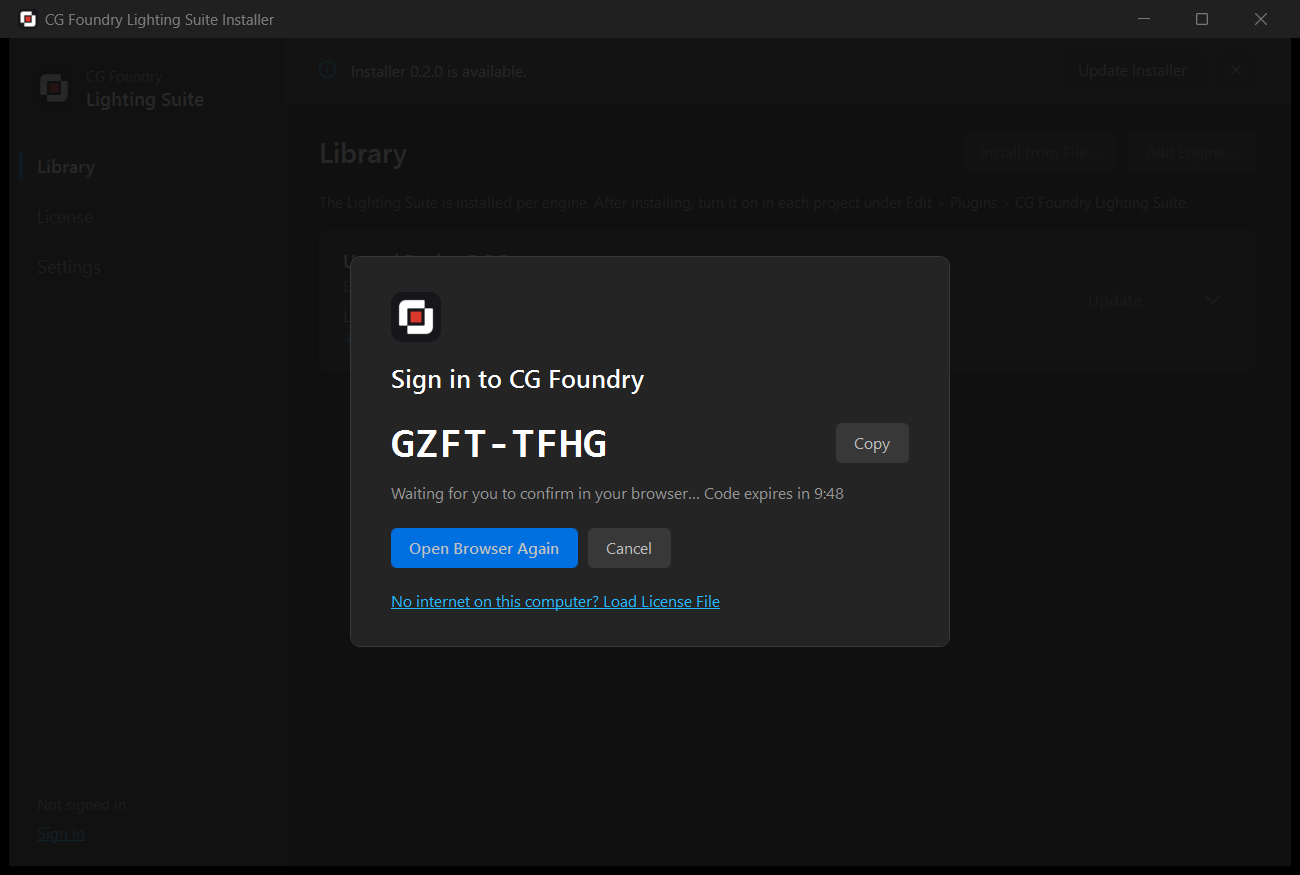
  3. Sign in and start your trialSign in to the Installer, press Start 7-Day Trial, then turn the plugin on in your project. Every feature is open.
Try For FreeFull access for 7 days. No card needed.

Plans

Choose your plan

Pay once, keep it. 12 months of updates included.

Studio

For teams on standard Unreal Engine, one seat per computer.

$349per seat, one-time + tax

  • Perpetual seats with 12 months of updatesEvery version you get keeps working for good. Updates bring new versions, new Unreal Engine support and fixes.
  • All 11 features and 80+ ready presets included
  • Commercial license
  • Then $159 a seat a year + tax to keep updatingOnly for the seats you want on newer versions. You renew by hand.
  • Unreal Engine 5.8, Windows only for nowUnreal Engine 5.8 from the Epic Games Launcher, on Windows 10 or 11, 64-bit. Building Unreal from source? See Source License.
  • Offline licenses on request
  • Source code access
Select Plan

Source License

For studios that build Unreal Engine from source.

$3,990one-time + tax

  • Full source code access
  • 5 seats included, $349 for each extra seatMore than 10 seats in all? Talk to us at studios@cgfoundryart.com for volume pricing.
  • Simple seat control and one-click updatesGive out and reassign seats from your studio page. The Installer adds each new version to your engine in one click.
  • Dedicated support, including engine upgradesWhen your engine changes or moves to a newer Unreal Engine version, we work it out with your team.
  • 12 months of updates and support, then $1,815 a yearRenews the source, support and 5 seats. Each seat after 5 adds $159 a year: 10 seats renew at $2,610 + tax.
  • Unreal Engine 5.8 base, Windows only for nowAnother base version? Apply and we'll talk first.
Get Source License

Prices are in US dollars and don't include tax. Tax is added at checkout, based on your country.

See the License Agreement and Refund Policy.

FAQ

Questions, answered

Still have a question?

Send it to us and we will answer it.

Contact Us

Which Unreal Engine versions does it support?

Currently Unreal Engine 5.8, on Windows 10 or 11. Mac and Linux aren't supported.

Will it work with my existing levels and projects?

Yes. Your lights stay regular Unreal lights with extra Lighting Suite settings, and you add the other tools to the levels you already have. Projects where you don't turn the plugin on don't change.

What happens to my levels if I stop using it?

Your levels and settings are always kept. A license you buy never expires: when its updates end, the versions you have keep working. If a trial ends or a license is switched off, for example after a refund, Lighting Suite effects turn off in the editor until you add a license. Packaged projects always keep working.

Does it work in my packaged project?

Yes, on Windows. The lighting you set up shows in your packaged project, and the people who use it don't need a license. The debugging tools work only in the editor.

What is the update fee, and how does it work?

You pay once and keep the Lighting Suite. The first 12 months of updates are included: new versions, new Unreal Engine support and fixes. After that, more updates are optional, at $79 a year (Studio: $159 a seat) plus tax. If you don't renew, the versions you already have keep working.

Does everyone on my team need a license?

Only the people who change Lighting Suite content. Teammates without a seat can still open, build and package the project and see the lighting, but they can't change it.

Can I try it on my own project first?

Yes. The free trial unlocks everything for 7 days, with no card and no watermark. It's for testing, not client work.

Can I get a refund?

Yes, within 7 days of buying, as long as you haven't activated the license. The free trial lets you check everything in your own projects before you buy.Read the full Refund Policy.