
Guides
Lighting Tools and Features
The Lighting Suite adds lighting tools to Unreal Engine 5.8 in four groups: sky and atmosphere, lights and effects, debugging tools, and content. Every tool has its own guide.
Sky and Atmosphere
World Lighting
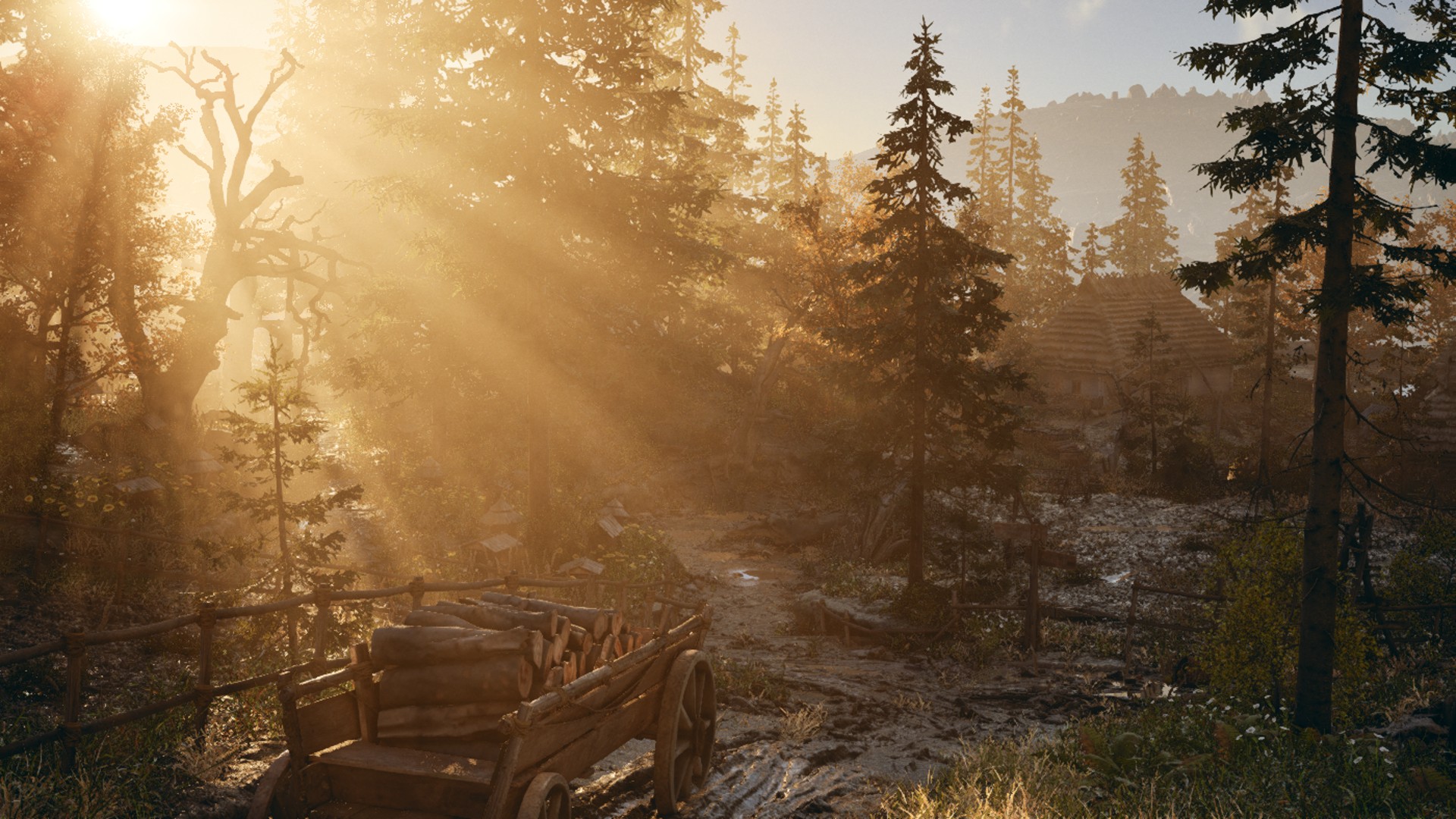
Lights a whole level from one actor: sky, sun, sky light, fog and exposure, from an HDRI and a preset.
Ambience Zones
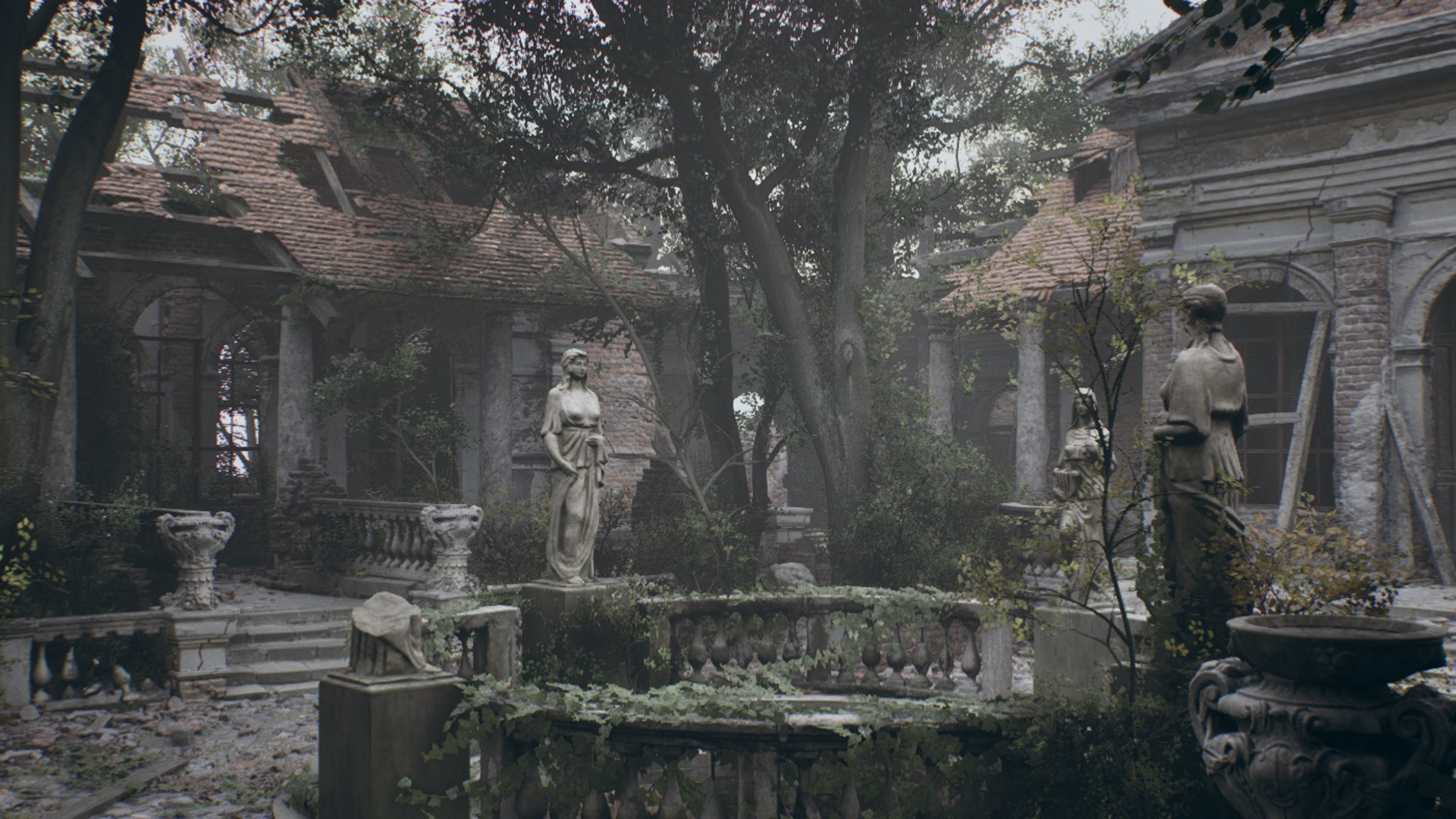
Blends the level into a different mood as the camera enters an area.
Flowmap Painter
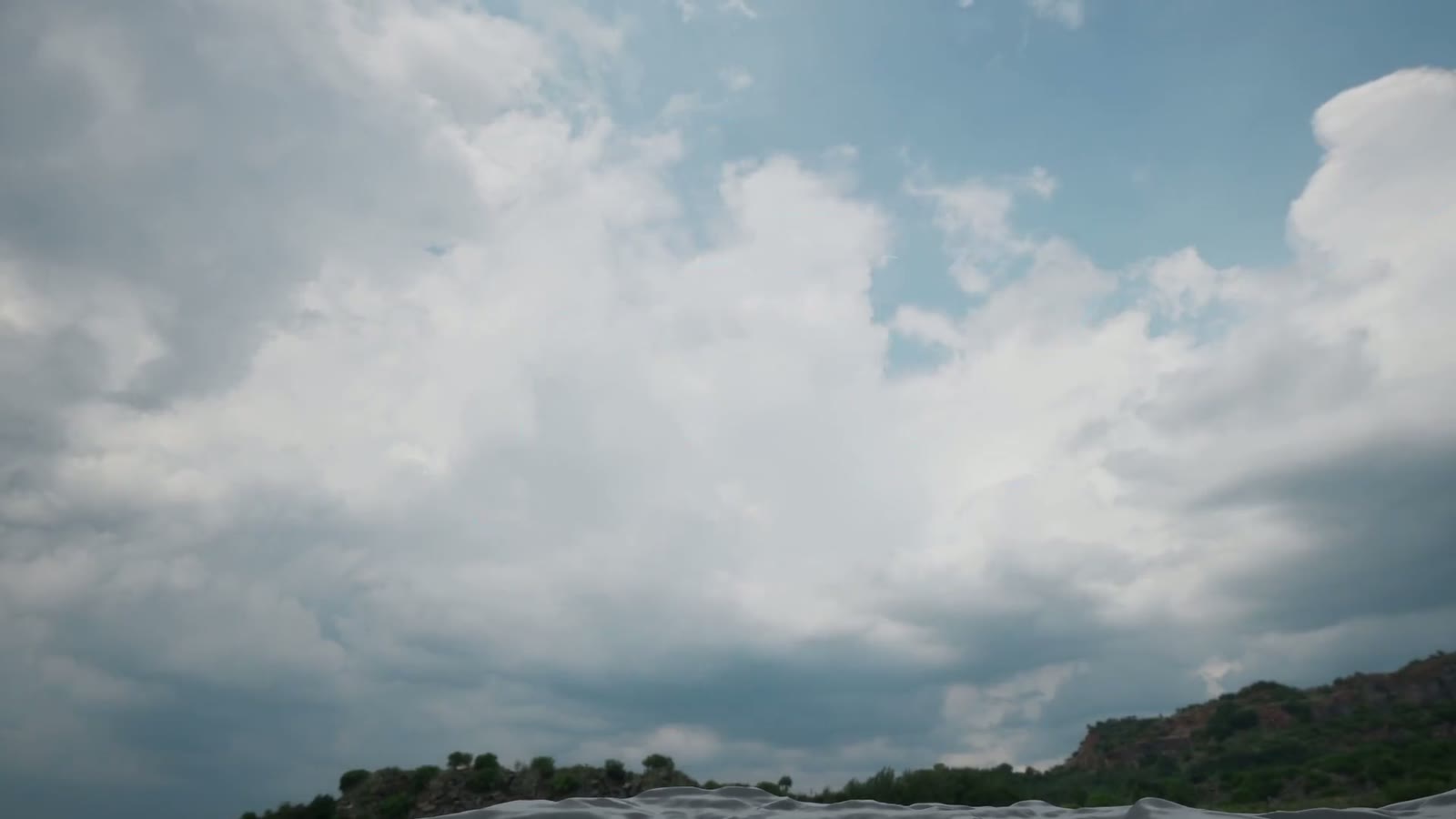
Paints which way and how fast the clouds move.
Shadow Painter
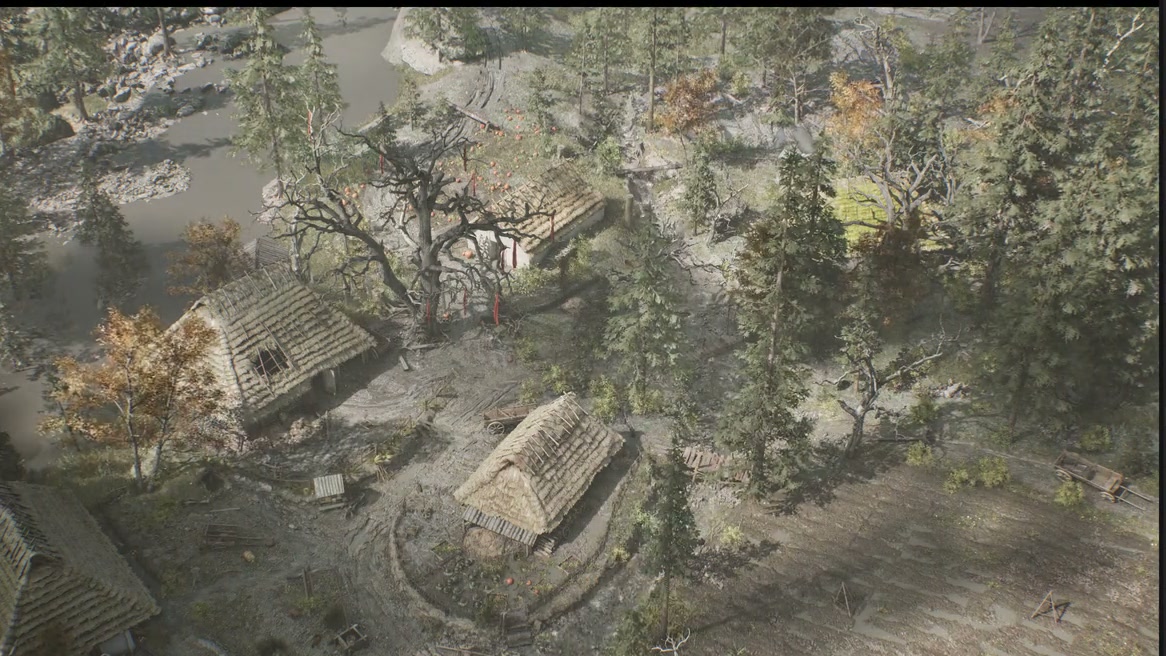
Paints where a Spot Light or Directional Light falls.
Lens Flare
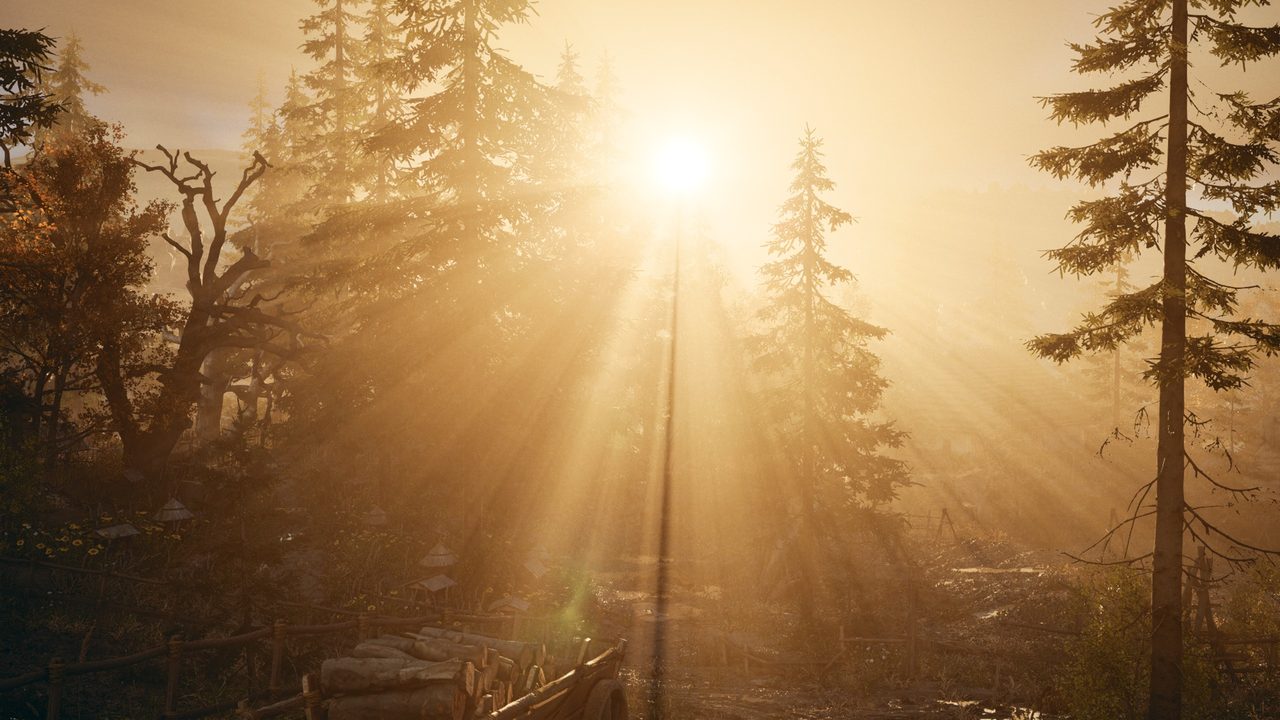
Adds a sun lens flare built from layers.
Lights and Effects
Lights
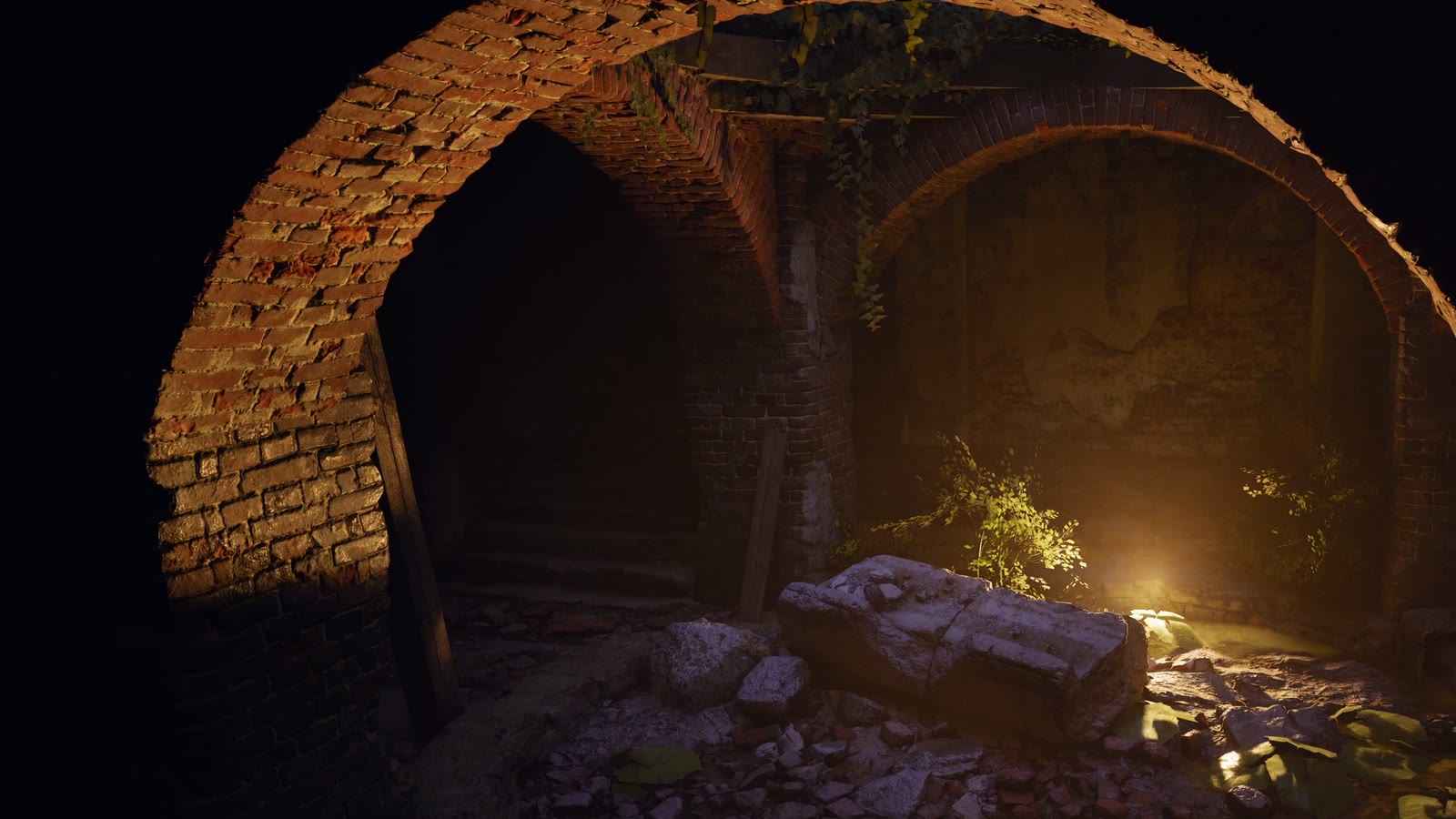
Adds Lighting Suite settings to Unreal's own lights.
Softbox
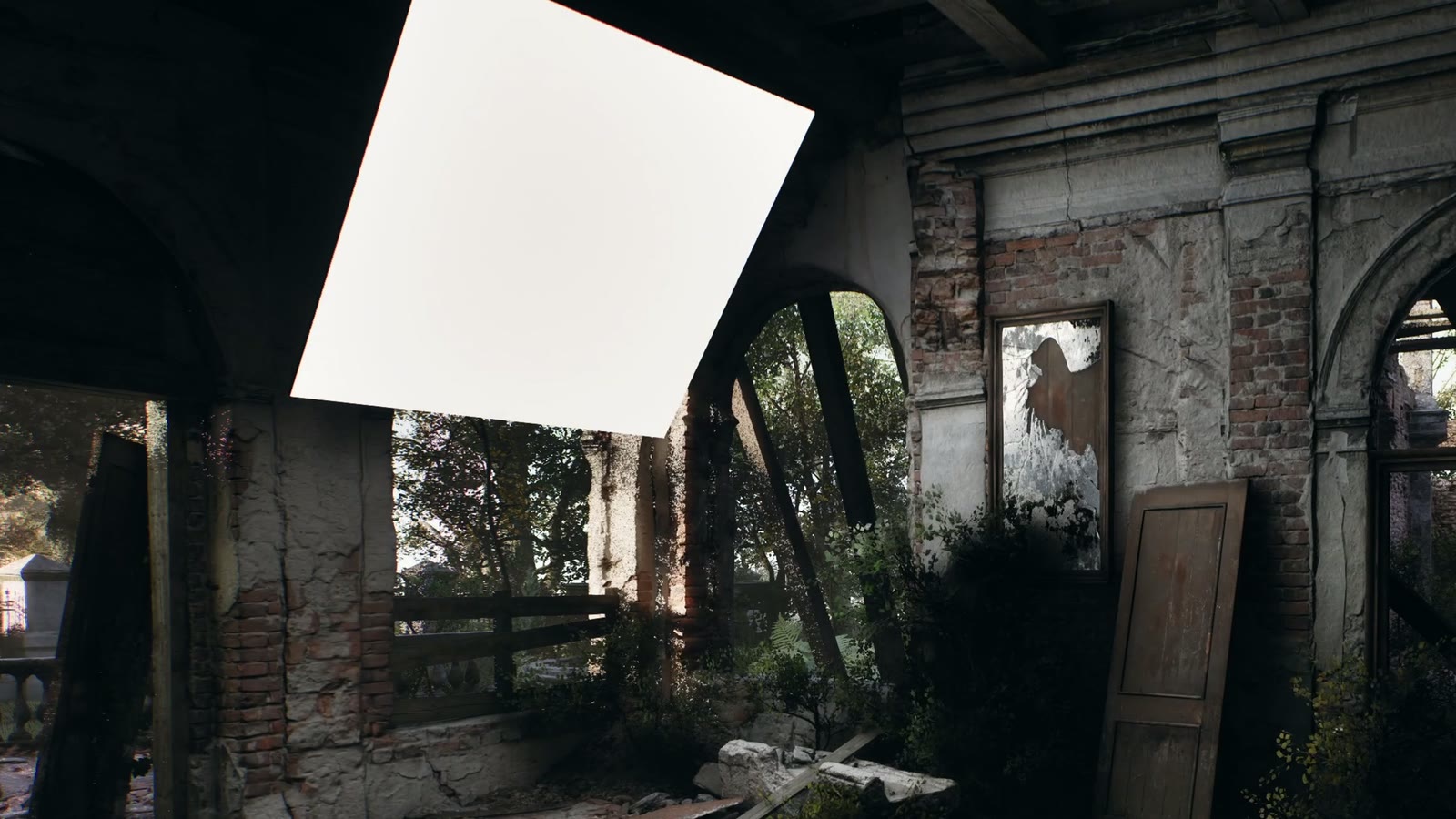
Adds soft indirect light through Lumen without adding a light.
Gobos
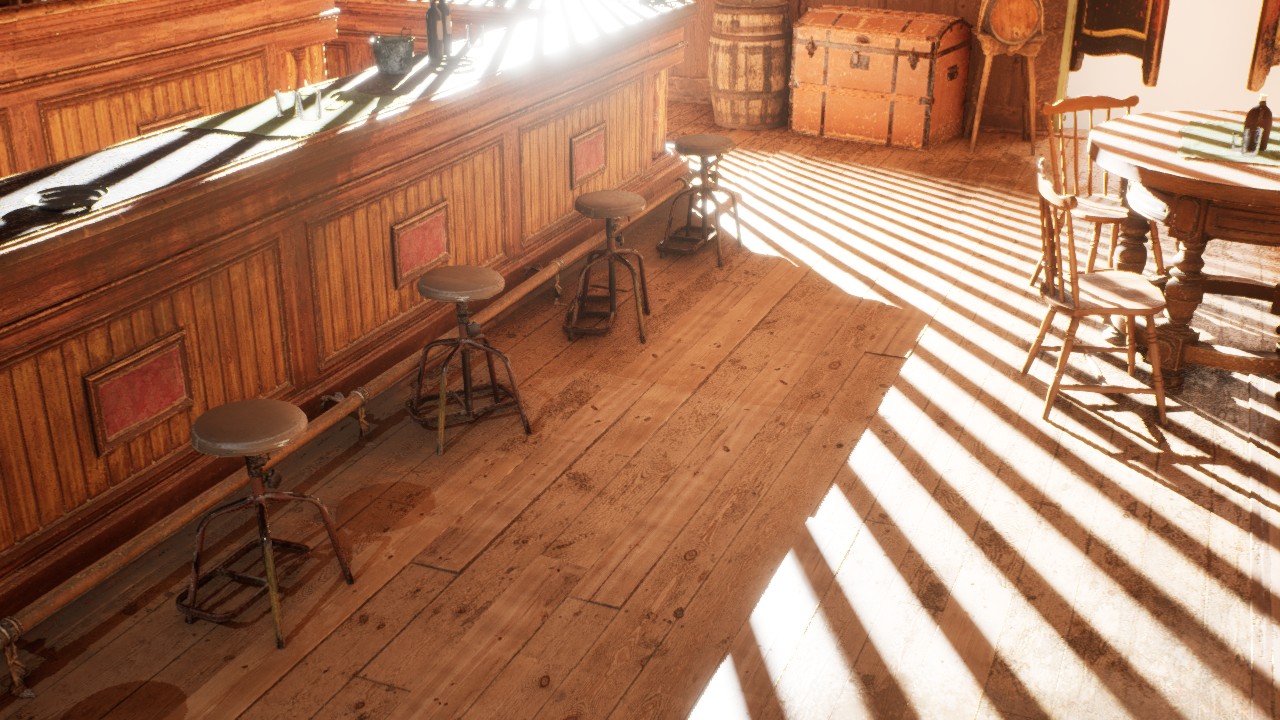
Projects a still or moving pattern through a light you already have.
Caustics
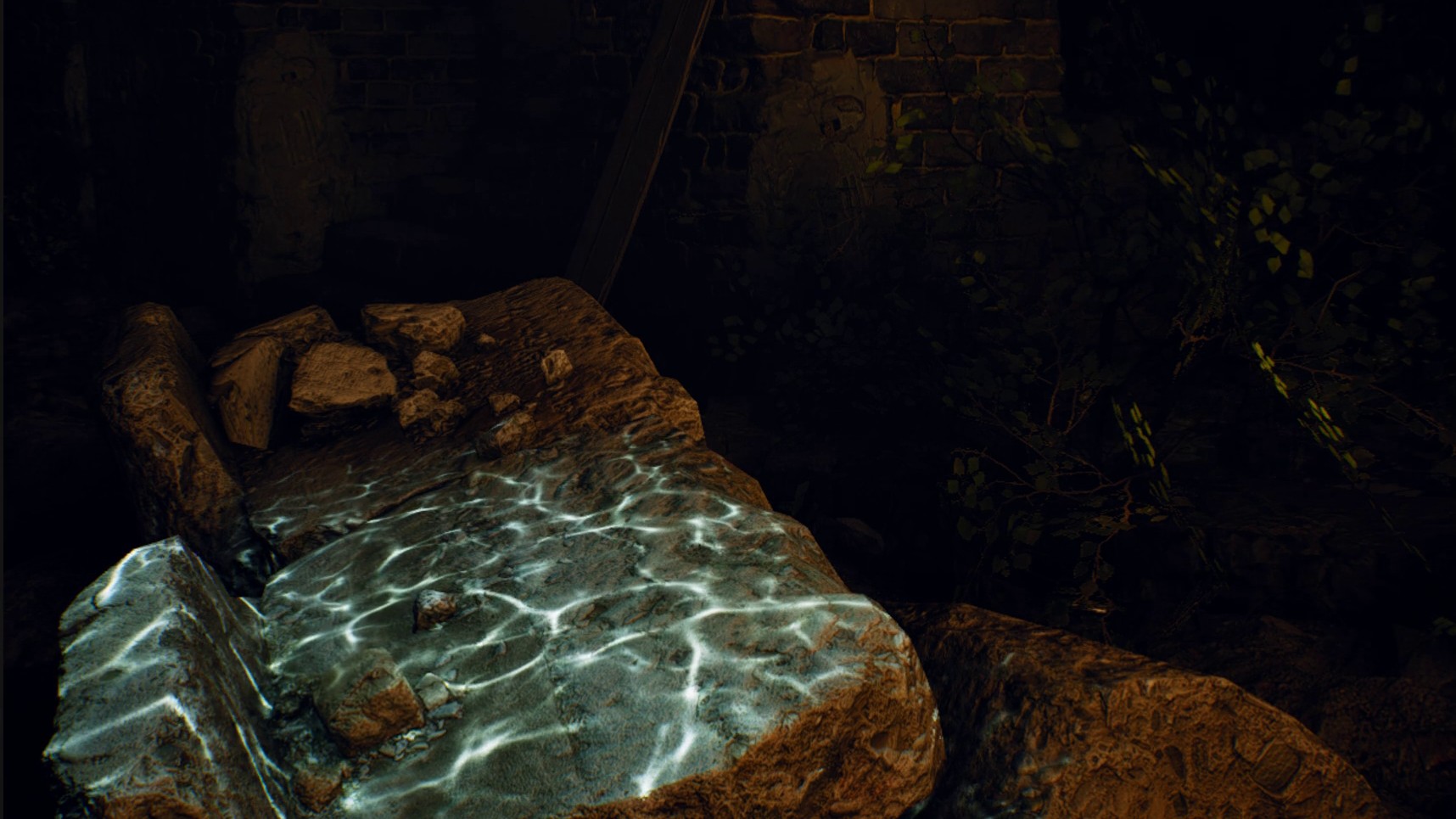
Adds moving water light to floors, walls and ceilings.
Debugging Tools
Exposure Debugger
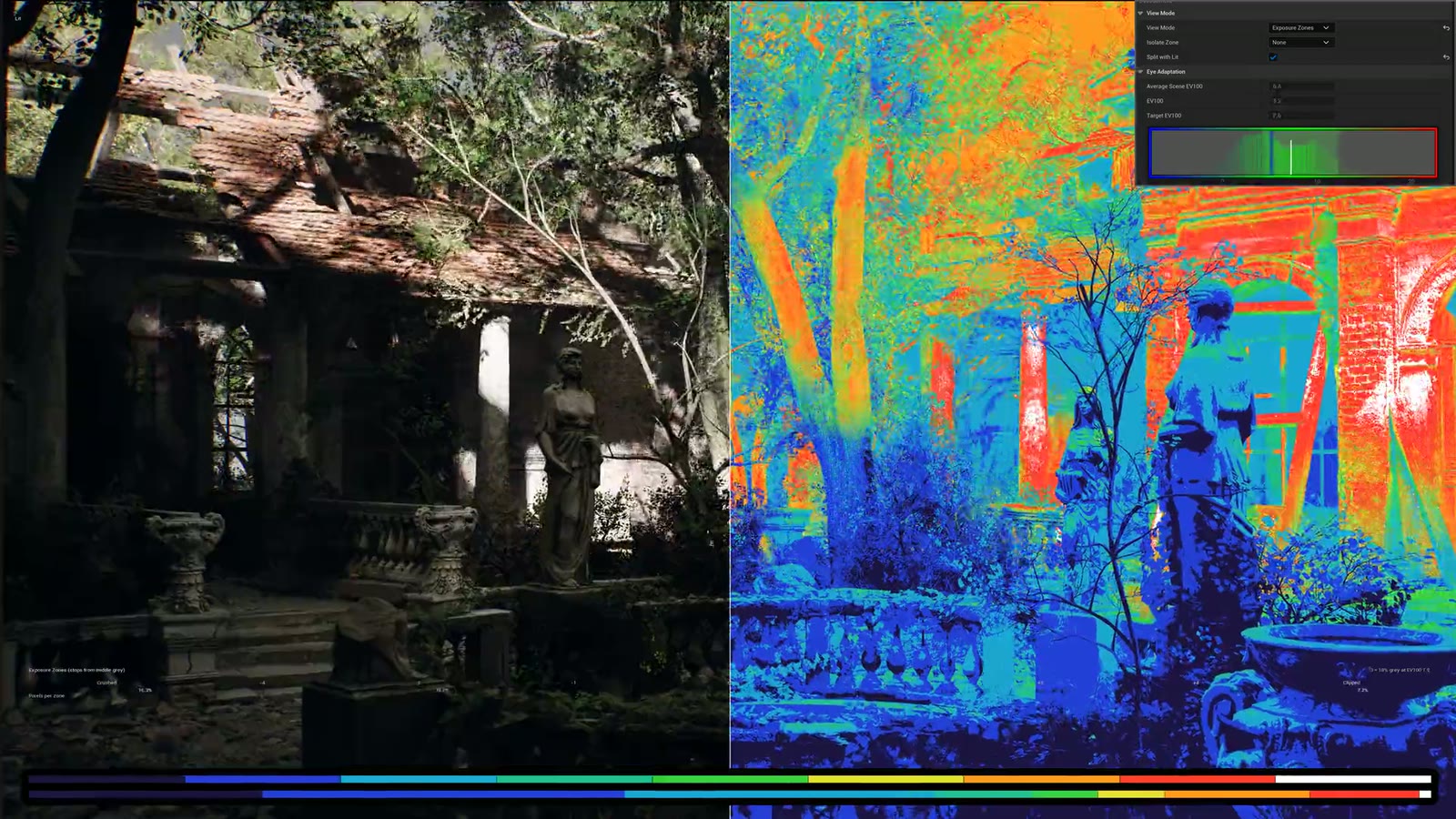
Shows scene brightness and what sets the exposure of a viewport.
Lumen Manager
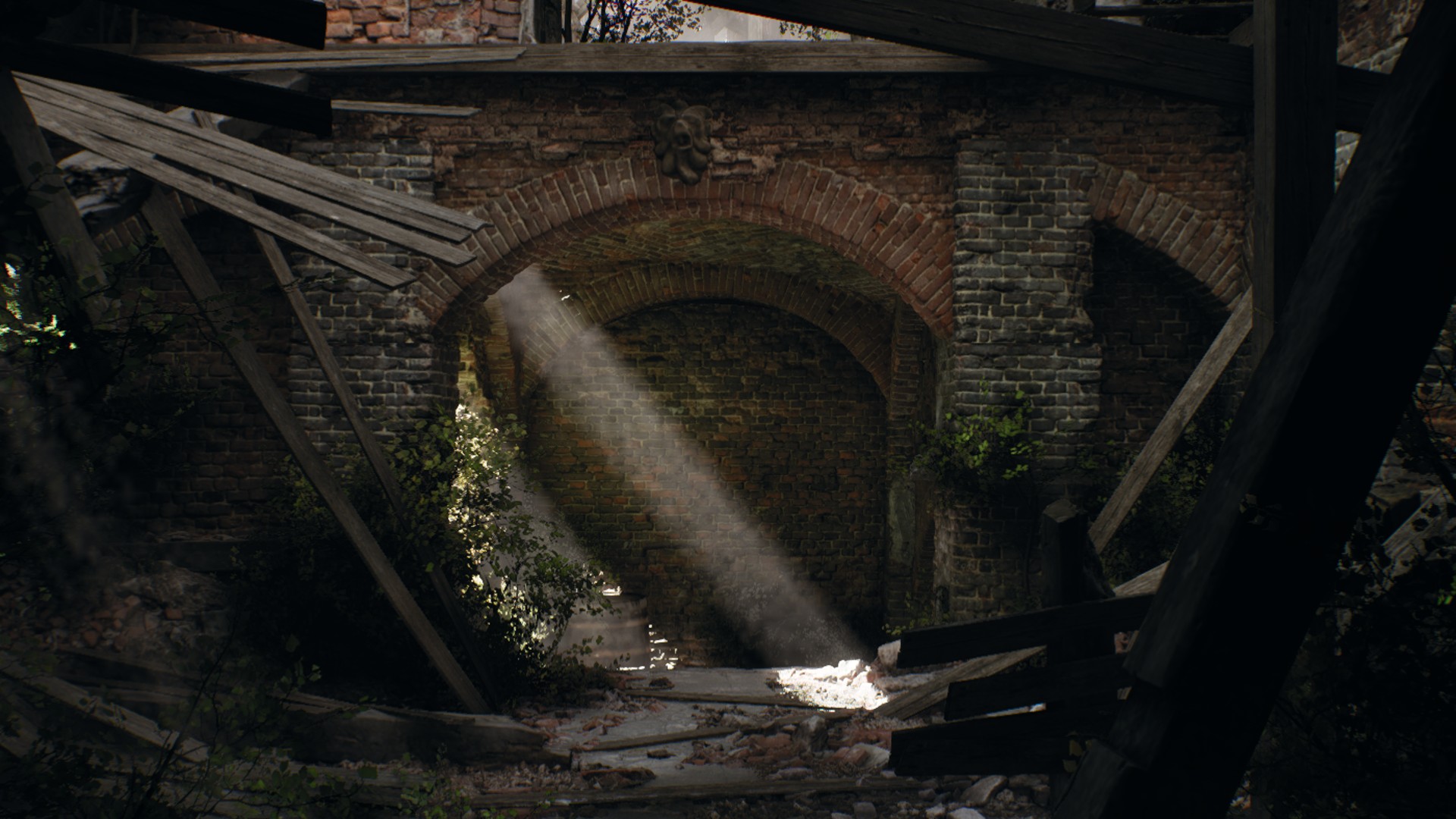
Sets Lumen quality for a level, with debug views to find the cause of a problem.
PBR Validation
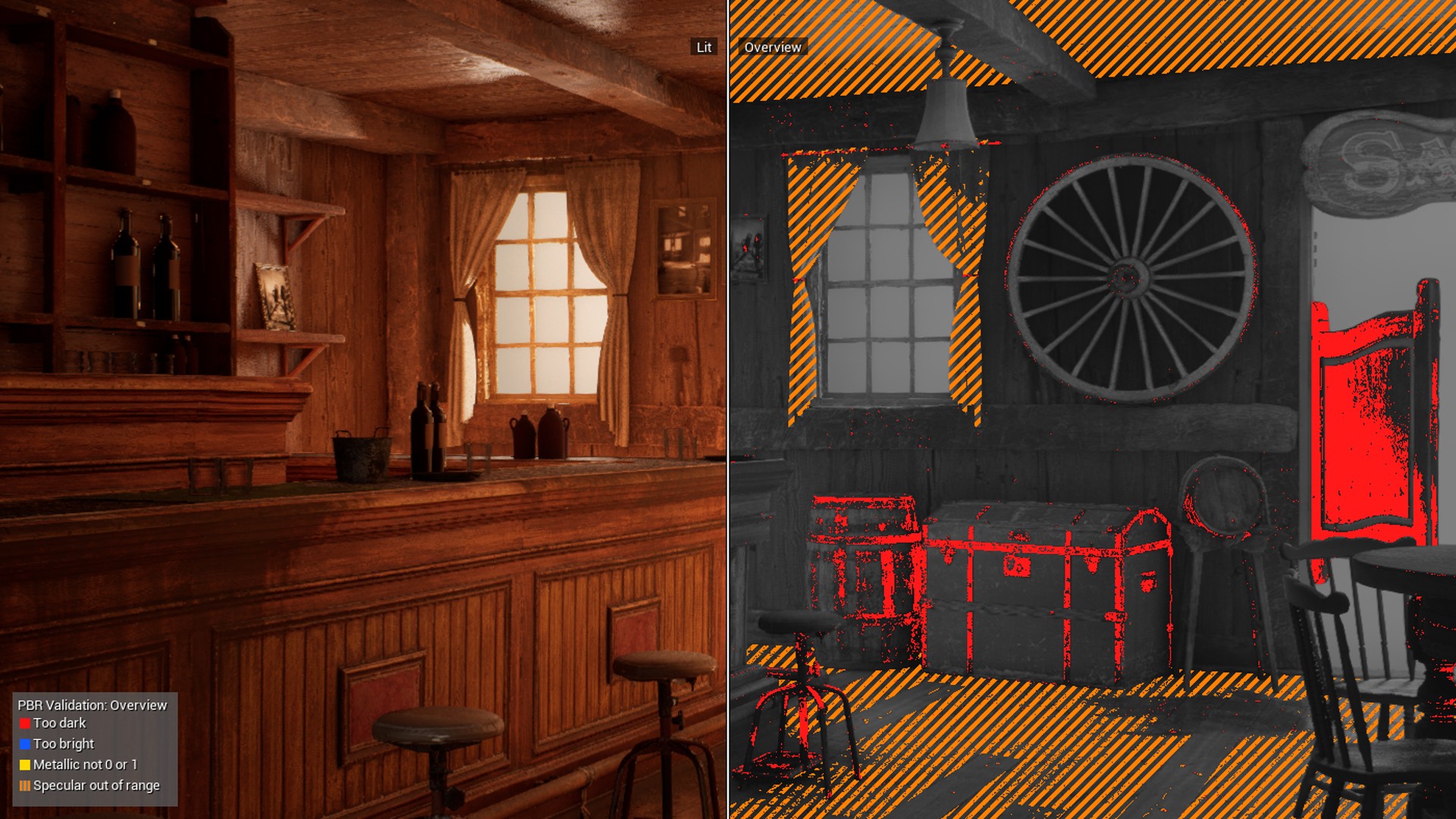
Checks material values against real-world materials.
Content
Lighting Suite Library
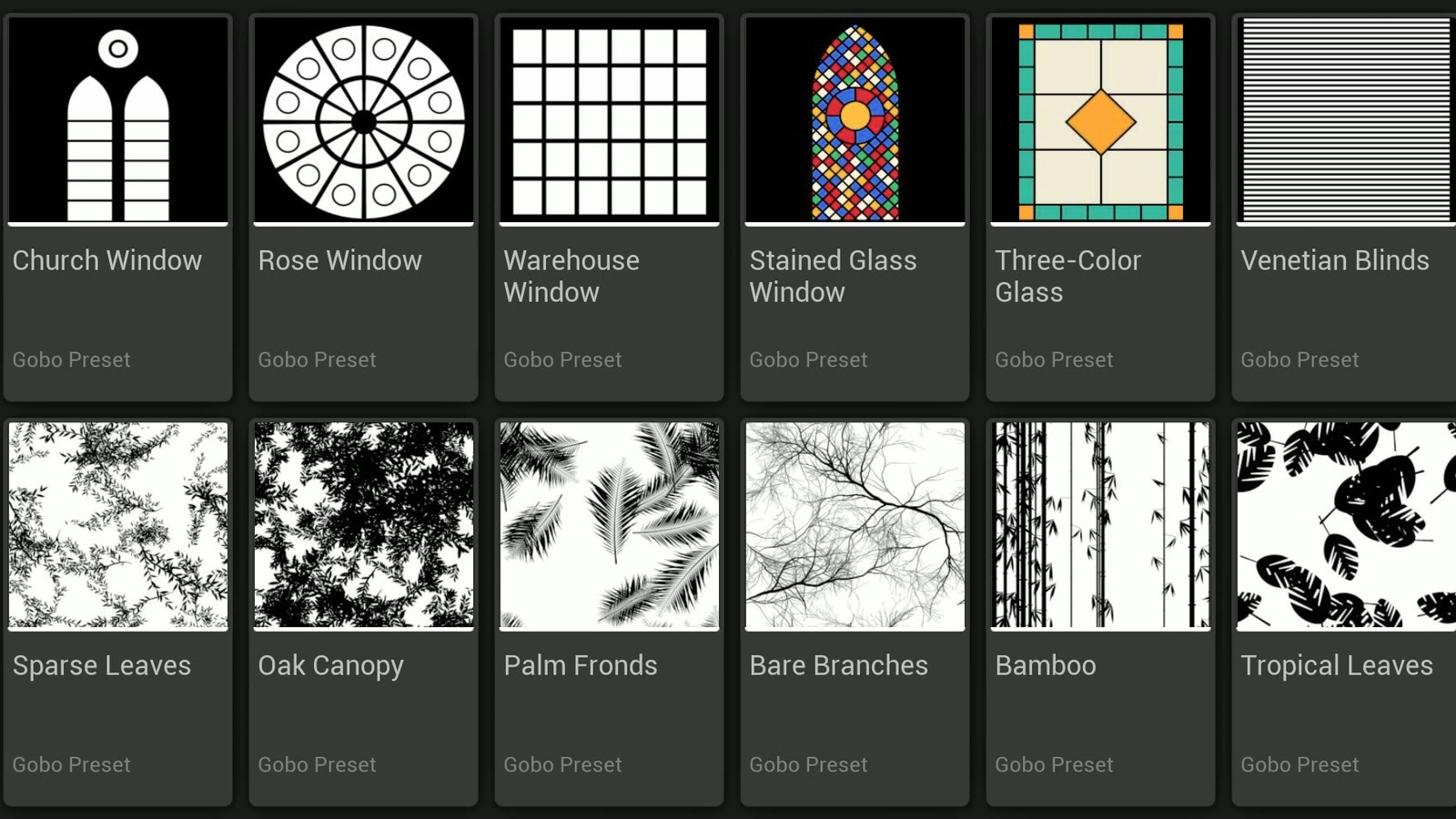
Finds and applies presets, HDRIs, gobo patterns and textures.